Opportunity Forecasting
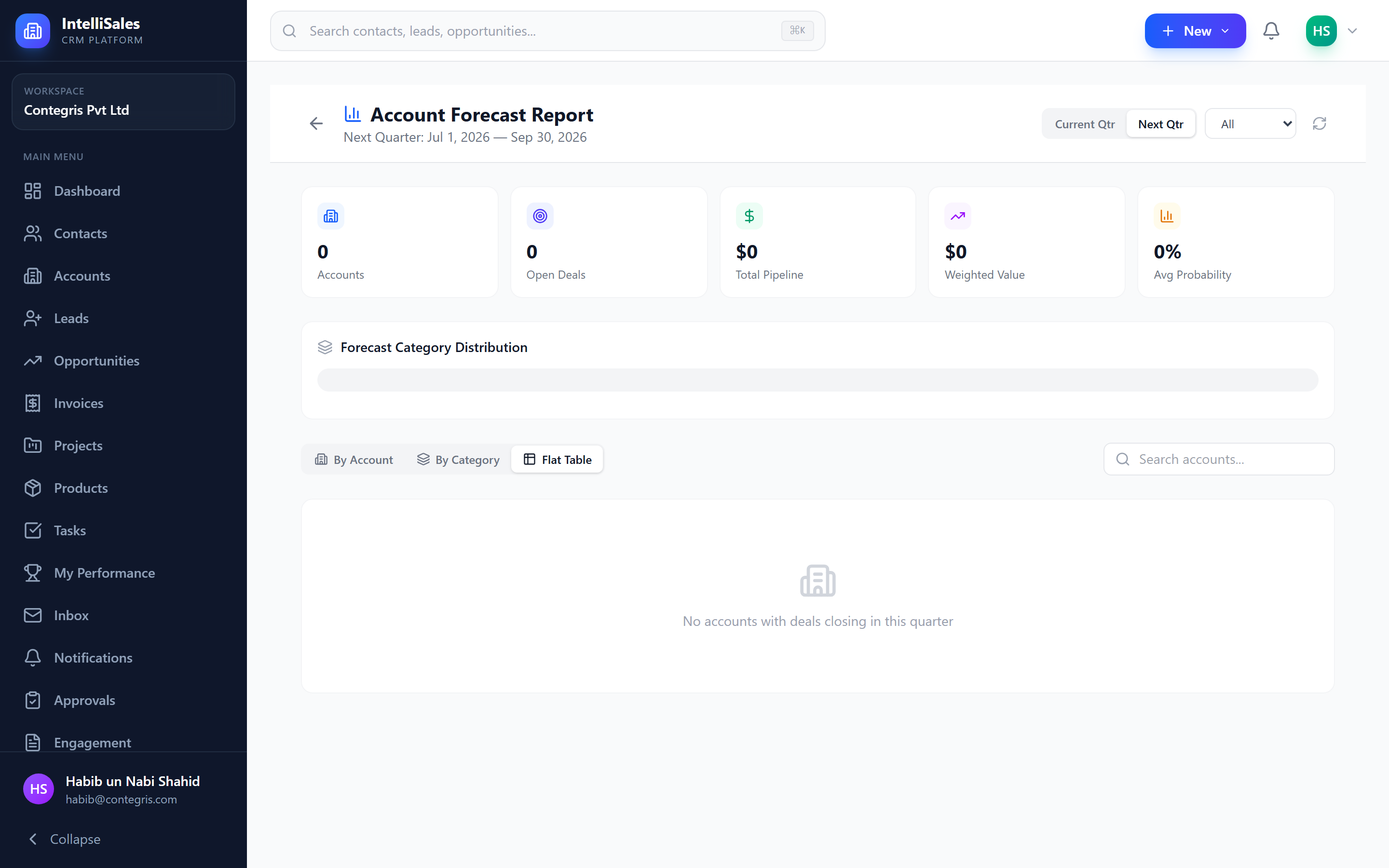
Forecasting in IntelliSales CRM helps you predict future revenue based on your active pipeline. By combining deal amounts with win probabilities and forecast categories, you get a data-driven view of expected revenue.
Forecast Overview
The forecasting system works by analyzing all open opportunities and applying probability-based weighting to produce revenue predictions. This helps sales leaders:
- Set and track revenue targets
- Identify pipeline gaps
- Make informed resource allocation decisions
- Report to stakeholders with confidence
Weighted Pipeline
The weighted pipeline is calculated using a simple formula:
Weighted Amount = Deal Amount x Probability (%)
For example:
- A $100,000 deal at 80% probability = $80,000 weighted
- A $50,000 deal at 30% probability = $15,000 weighted
- Total weighted pipeline = $95,000
This gives a more realistic view of expected revenue than simply summing all deal amounts.
Probability can be set manually on each opportunity or can auto-update based on the pipeline stage. Many organizations configure default probabilities per stage (e.g., Discovery = 20%, Proposal = 50%, Negotiation = 75%).
Forecast Categories
Each opportunity is assigned a forecast category that indicates the sales rep's confidence level:
| Category | Description | Typical Use |
|---|---|---|
| Committed | Deal is virtually certain to close | Verbal agreement received, contract in process |
| Best Case | Deal is likely but not guaranteed | Strong engagement, positive signals |
| Pipeline | Deal is progressing normally | Active stages, standard probability |
| Omitted | Deal is excluded from forecast | Early stage, low confidence, or on hold |
How Categories Are Used
- Committed + Best Case = your upside forecast
- Committed alone = your conservative forecast
- Pipeline = deals that might close but are less certain
- Omitted = excluded from all forecast calculations
Review and update forecast categories weekly, especially for deals closing this quarter. Categories should reflect your genuine confidence, not just the pipeline stage.
Account Forecast View
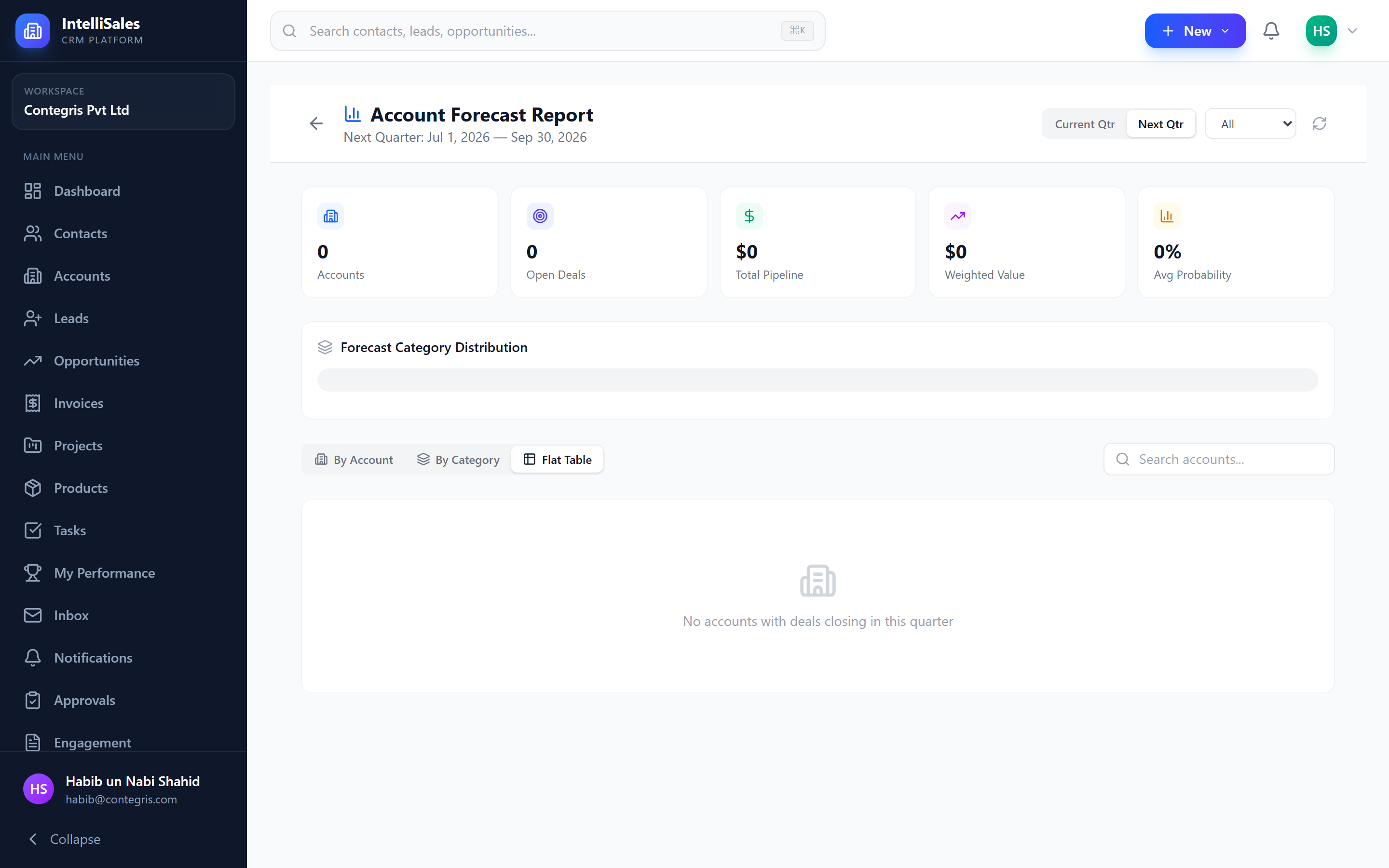
The account forecast aggregates opportunities by account, giving you visibility into expected revenue from each customer or prospect:
- Account name
- Number of open opportunities
- Total pipeline amount
- Weighted forecast amount
- Breakdown by forecast category
This view helps account managers understand their book of business and identify accounts with the most revenue potential.
Revenue Predictions
IntelliSales CRM generates revenue predictions based on:
- Historical close rates — how often deals at each stage convert
- Current pipeline — all active opportunities with their amounts and probabilities
- Forecast categories — weighted by confidence level
- Time horizon — predictions for this month, quarter, and year
These predictions appear on dashboard widgets and in the reports module:
- Forecast Widget — shows predicted revenue on your dashboard. See Dashboard Widgets.
- Pipeline Reports — detailed breakdowns in the reports module. See Reports Overview.
Forecast accuracy depends on consistent data entry. Ensure your team keeps amounts, probabilities, close dates, and forecast categories up to date on every opportunity.
Best Practices for Accurate Forecasting
- Update probabilities regularly — do not leave default values unchanged
- Set realistic close dates — avoid pushing dates forward repeatedly
- Use forecast categories honestly — Committed means committed, not hopeful
- Review weekly — pipeline reviews catch stale data before it skews forecasts
- Document assumptions — add notes about why you changed a category or probability